Hyper Realistic Ragdoll Destruction: How to Break It
Explore Hyper Realistic Ragdoll destruction with breakable towers, explosive tools, vehicles, and disasters. Learn the controls and plan the next collapse.
Jump to
What Can You Destroy in Hyper Realistic Ragdoll?
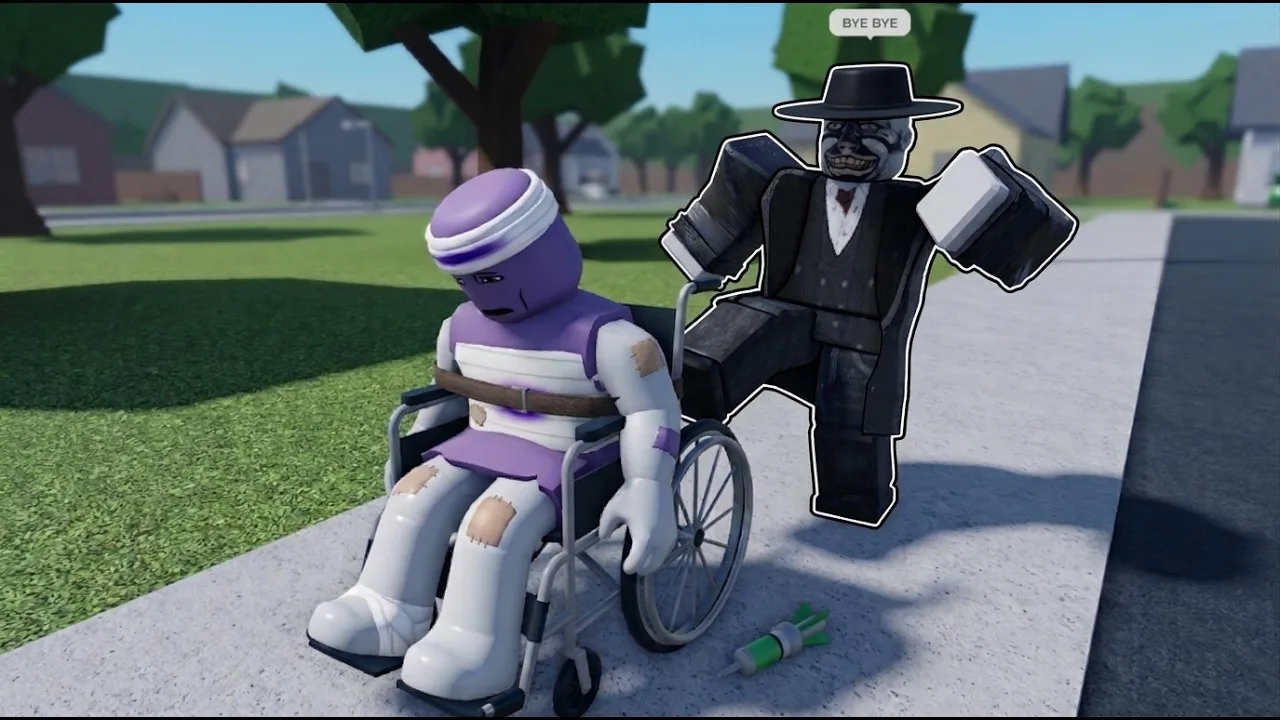
A tower can take a car crash and stay standing at an angle. Hyper Realistic Ragdoll destruction lets you break walls, towers, trees, and buildings while the dummies around them react to the chaos. Learn how those objects respond, and you can turn a messy collision into a deliberate demolition experiment.
The environment breaks into pieces you can interact with. A damaged shed can leave loose roof beams, trees can break, and a tower can lose part of its base without immediately collapsing. Cars can also explode.
Start with these targets:
- Walls: Compare a thrown dummy’s impact with a vehicle collision.
- Towers: Watch how partial damage changes their position before they fall.
- Trees: Try breaking individual trees between larger demolition experiments.
- Buildings: Break a shed or house and explore the pieces left behind.
Pick one target and one method at a time. That makes it easier to distinguish the initial impact from everything that happens afterward.
Official page: Hyper Realistic Ragdoll (roblox.com)
How to Bring Down a Tower
A vehicle collision does not guarantee an immediate collapse. A tower can remain leaning after damage to one side, so keep watching before assuming the experiment is finished.
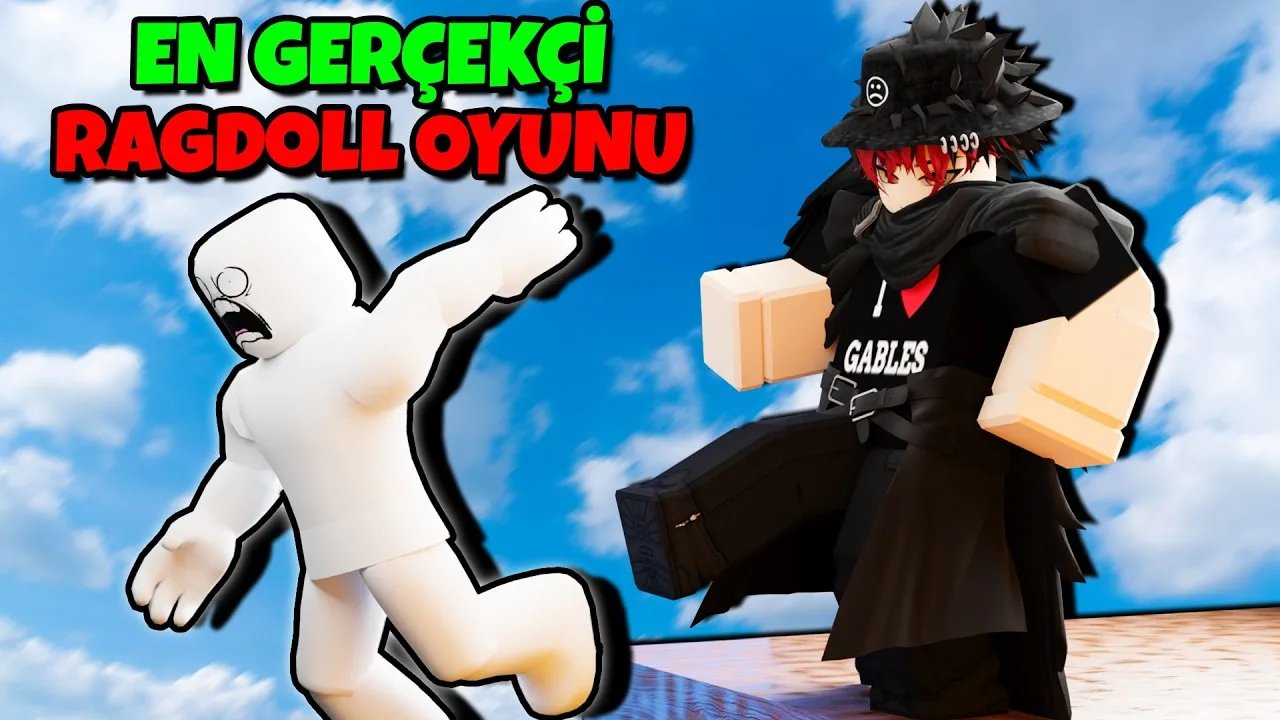
Try this sequence:
- Choose an intact tower. Look at its base before you start so you can recognize which sections break.
- Drive a car into one side. Watch the damaged area and the tower’s position after the collision.
- Move around to another side. Strike a different section instead of repeatedly hitting the same opening.
- Switch to grenades if it stays upright. Explosions offer another way to break apart the remaining structure.
- Let the collapse finish. Follow the falling pieces before adding another impact.
For a separate experiment, throw a dummy into a breakable wall or building. Characters interact with the environment through the ragdoll system, giving you a different way to damage structures.
Compare those methods on separate intact targets. Switching between a car, explosives, and thrown dummies on an already damaged building makes their individual effects harder to judge.
Explosives and Fire Tools to Unlock
You can begin experimenting with explosives immediately because the Grenade is available by default. Other tools unlock through KOs, while the Rocket Launcher requires a Robux purchase.
| Tool | Unlock requirement |
|---|---|
| Grenade | Available by default |
| Molotov | 20 KOs |
| Flamethrower | 300 KOs |
| TNT | 700 KOs |
| C4 | 1,500 KOs |
| Rocket Launcher | 19 Robux |
The Rocket Launcher has a wide area of effect. The Flamethrower spreads fire damage across an area, while the Molotov gives you a throwable fire option. Fire can spread between dummies, and explosive red barrels add another hazard to the scene.
Try the default Grenade before spending Robux on another explosive tool. You already have a way to experiment with a tower collapse without purchasing the Rocket Launcher.
Track KO unlocks through the Next indicator on the right side of the screen. It displays your upcoming tool and your progress toward it.
Keep weapon experiments separate when comparing reactions. A single explosive impact, sustained fire, and a direct melee hit produce different situations; combining them immediately makes the results harder to follow.
Grab, Scan, and Revive Dummies During Experiments
Dummies have independently reacting body parts. A leg injury can cause limping, a broken leg can leave a dummy crawling, and a broken arm hangs limp. The Body Scan gives you an X-ray view of broken bones.
These PC controls help you set up and inspect an experiment:
| Control | Function |
|---|---|
| G | Spawn a dummy |
| R | Revive an inactive dummy |
| V | Open Body Scan |
| C | Make your character fall or recover |
| Left mouse button | Grab a dummy |
| Mouse wheel while grabbing | Adjust the dummy’s distance |
Grab a dummy, adjust its distance, and throw it toward a breakable object. Then open Body Scan to inspect the damage from the collision.
Scan after each impact when comparing throws. A dummy that survives a crash can still have broken bones, so standing up is only part of the result.
You can also use a Medkit, Defibrillator, or Healing Dart to restore inactive characters. These recovery tools let you continue interacting with a dummy after an experiment.
Keep an eye on nearby NPCs while setting up. Dummies move, panic, communicate, help each other, and can fight back. Place your next target away from a crowd if you want fewer interruptions.
Disasters That Change the Experiment
Environmental events introduce forces and hazards beyond your equipped tools. Some move characters across the map, while others add impacts, fire, or altered gravity.
- Tornado: Pulls objects and characters toward it.
- Tsunami: Sends a large wave through the environment and washes dummies across the map.
- Meteor Rain: Adds falling meteors and destructive impacts.
- Wildfire: Brings a large fire to the map.
- Weightless: Removes gravity and changes how movement and physics behave.
Watch one event at a time before combining it with weapons or vehicles. Follow where objects move, where dummies land, and which structures break.
Use the Weightless event to explore movement without normal gravity. Save an ordinary car-crash comparison for a separate experiment so the changed physics do not obscure the difference between impacts.
Other events focus on NPC behavior. Zombie Outbreak brings undead characters out of the graveyard, while Disco Party makes dummies dance, including injured ones. Choose Tornado, Tsunami, or Meteor Rain when you want to explore large environmental forces.
Vehicles and Machines Worth Exploring
The map includes a Car, Monster Truck, and Battle Tank. The tank also has a large gun, giving you another way to attack dummies. Vehicle access includes paid options, so check the in-game purchase prompt before choosing one.
Use the car to compare collisions with walls and towers. Aim at a different section of the structure between attempts and watch whether it breaks, shifts, or remains standing.
Large machines provide more focused ragdoll experiments:
- Giant fan: Sends characters through the air.
- Cannon: Launches dummies across the environment.
- Rocket: Provides a launch interaction.
- Crusher: Compresses a dummy caught in its mechanism.
Start with a single dummy at each machine. Follow its movement through the entire interaction, then use Body Scan to inspect the result. Once you understand the launch or crushing action, try another machine or a nearby breakable target.
Continue with
 Hyper Realistic Ragdoll Fall Damage: Drops and RecoveryExplore Hyper Realistic Ragdoll fall damage, inspect broken bones with Body Scan, and learn the PC controls and recovery tools for your dummy drop test.
More in Mechanics
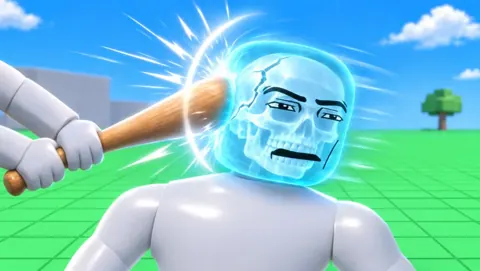
Hyper Realistic Ragdoll Body Scan: X-Ray & Bone Guide
Learn how the Hyper Realistic Ragdoll body scan works, press V to inspect broken bones, and use recovery tools to keep your experiments moving forward.
Hyper Realistic Ragdoll How To Ragdoll: PC Controls
Hyper Realistic Ragdoll how to ragdoll guide: learn the PC fall and recover control, grab and throw dummies, scan injuries, and use tools to revive them.
Hyper Realistic Ragdoll Mechanics Guide: Physics Tips
Hyper Realistic Ragdoll mechanics guide covering body damage, PC controls, Body Scan, healing tools, KO unlocks, and disasters. Learn what to try next.
Hyper Realistic Ragdoll Physics: How the Sandbox Works
Explore Hyper Realistic Ragdoll physics, learn Body Scan controls, compare unlocks, and experiment with breakable buildings, hazards, and dummy behavior.
Join the community
Official channels for news, updates and player help: