Hyper Realistic Ragdoll Settings: Speed and Gravity
Adjust Hyper Realistic Ragdoll settings for movement speed and gravity, learn PC controls, and use Body Scan to compare dummy experiments step by step.
Jump to
How to Adjust Movement Speed
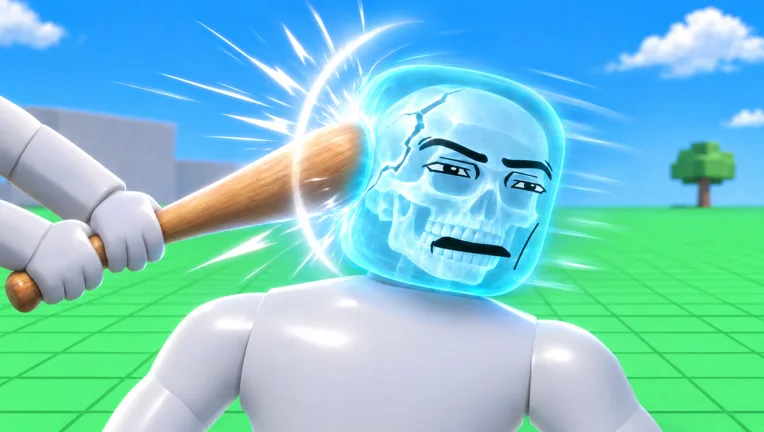
Cross the map faster or change the feel of your physics experiments with Hyper Realistic Ragdoll settings. Your character’s movement speed can be increased through the Lab menu at the bottom left of the screen. Increase it gradually so you can still position yourself around dummies, vehicles, and breakable structures.
To adjust your speed:
- Open the Lab menu at the bottom left.
- Increase your character’s movement speed.
- Move around an open area before returning to an experiment.
- Compare how comfortably you can approach, grab, and reposition a dummy.
Use increased speed when traveling between activities or moving between targets for KOs. For experiments that involve placing a dummy beside a machine or lining up a throw, make a smaller adjustment and prioritize precise positioning.
Movement speed is especially useful when working toward tool unlocks. Watch the Next indicator on the right side of the screen to see your upcoming unlock and progress toward it.
The Push Gun is available by default, while the Balloon unlocks at 30 KOs, the Grow Gun at 125 KOs, and the Lift Gun at 3,300 KOs. These belong to the Power category. Other tool categories include Melee, Guns, Throw, Medic, and Robux, giving you different ways to interact with dummies as your collection expands.
Official page: Hyper Realistic Ragdoll (roblox.com)
How to Experiment With Reduced Gravity
You can also reduce gravity, opening up another way to experiment with movement and ragdoll physics.
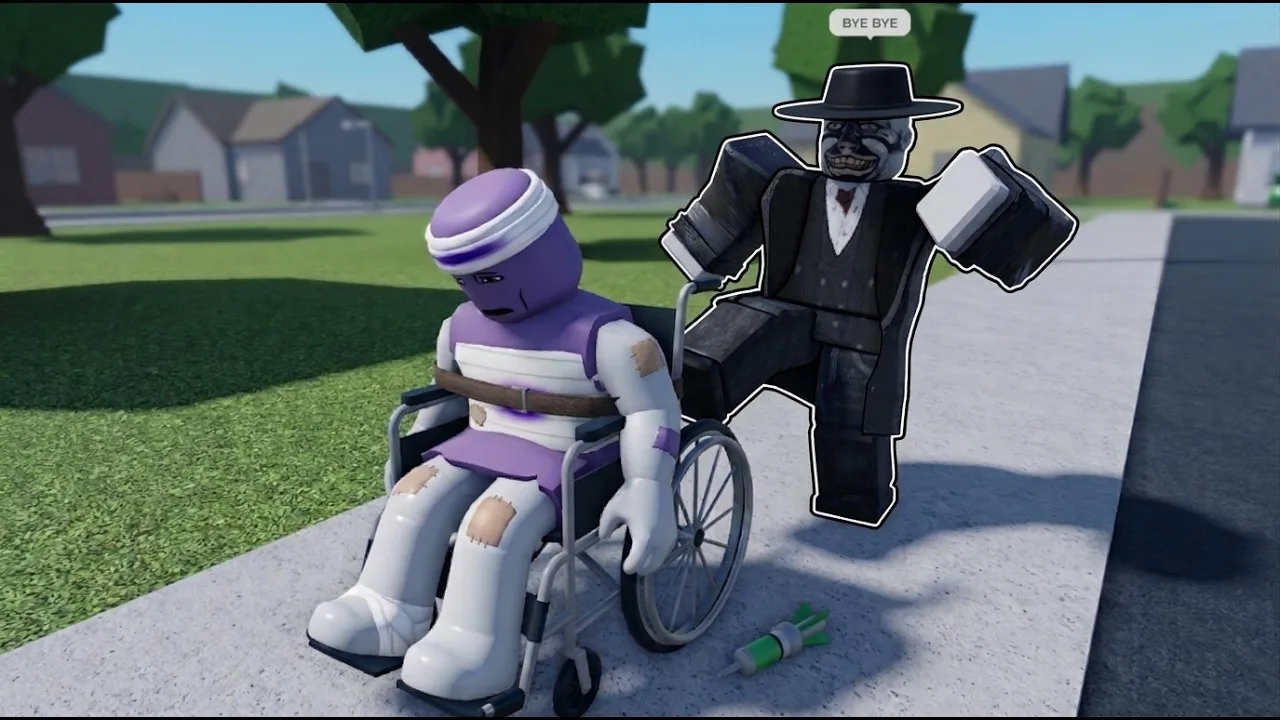
Change gravity separately from movement speed. Keep the same location and interaction while adjusting one setting, then compare the result. Grabbing and throwing a dummy gives you a straightforward action to repeat.
Try this sequence:
- Choose an open area away from animals and active machinery.
- Spawn a dummy and try a throw before changing gravity.
- Reduce gravity.
- Repeat the interaction from the same position.
Keep environmental events separate from this comparison. Weightless eliminates gravity, while Tornado, Tsunami, and Meteor Rain introduce their own forces or impacts. Try those events afterward to explore how the sandbox behaves under different conditions.
A tornado pulls objects and characters toward it, while a tsunami washes dummies across the map. Meteor Rain adds falling meteors and destructive impacts. Walls, towers, and trees can also break apart. Keep those hazards away from a controlled throwing experiment, then explore them separately to compare environmental damage with your own interactions.
PC Controls for Your Experiments
Learn these shortcuts before changing your setup. They let you spawn a test subject, inspect damage, and recover without repeatedly searching through menus.
| Input | Action |
|---|---|
| G | Spawn a new dummy |
| R | Revive an inactive dummy |
| V | Open Body Scan |
| C | Make your character fall or recover |
| Left mouse button | Grab a dummy |
| Mouse wheel | Adjust the distance of a grabbed dummy |
| Right mouse button | Throw a grabbed dummy |
Adjust the grab distance before throwing. Repeat the same interaction with similar positioning when comparing settings; changing your distance, movement speed, and gravity together makes the result harder to interpret.
Use Body Scan to Compare Results
Press V to inspect a dummy’s condition through the X-ray-style Body Scan. It shows broken bones, giving you more detail than the fall animation alone.
Individual body parts react separately. A damaged leg can cause limping, a broken leg can leave a dummy crawling, and a broken arm goes limp. Watch those reactions alongside the scan when comparing impacts.
Use a fresh dummy for each comparison if you want to avoid mixing earlier injuries with new damage. Dummies can stumble, recover, fight back, and help one another, so move away from nearby NPCs when you want to isolate an interaction.
For recovery experiments, the Defibrillator unlocks at 100 KOs, the Heal Dart at 110 KOs, and the Medkit at 150 KOs. Use these tools to explore recovery alongside the movement and physics controls.
Continue with
 Hyper Realistic Ragdoll Body Scan: X-Ray & Bone GuideLearn how the Hyper Realistic Ragdoll body scan works, press V to inspect broken bones, and use recovery tools to keep your experiments moving forward.
More in Mechanics
Hyper Realistic Ragdoll Destruction: How to Break It
Explore Hyper Realistic Ragdoll destruction with breakable towers, explosive tools, vehicles, and disasters. Learn the controls and plan the next collapse.
Hyper Realistic Ragdoll Fall Damage: Drops and Recovery
Explore Hyper Realistic Ragdoll fall damage, inspect broken bones with Body Scan, and learn the PC controls and recovery tools for your dummy drop test.
Hyper Realistic Ragdoll How To Ragdoll: PC Controls
Hyper Realistic Ragdoll how to ragdoll guide: learn the PC fall and recover control, grab and throw dummies, scan injuries, and use tools to revive them.
Hyper Realistic Ragdoll Mechanics Guide: Physics Tips
Hyper Realistic Ragdoll mechanics guide covering body damage, PC controls, Body Scan, healing tools, KO unlocks, and disasters. Learn what to try next.
Continue exploring
Join the community
Official channels for news, updates and player help: