Hyper Realistic Ragdoll Fall Damage: Drops and Recovery
Explore Hyper Realistic Ragdoll fall damage, inspect broken bones with Body Scan, and learn the PC controls and recovery tools for your dummy drop test.
Jump to
Can Falls Injure or Kill Dummies?
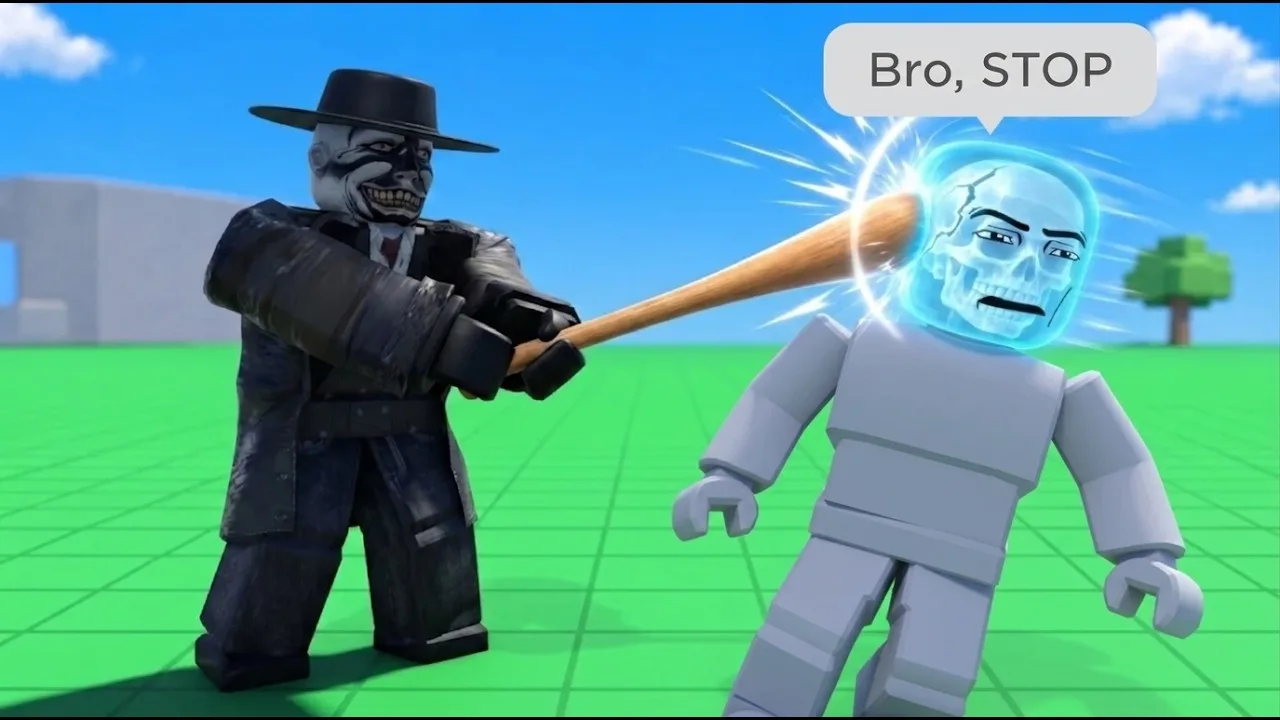
A fall can leave a dummy with broken bones or end the experiment entirely. Hyper Realistic Ragdoll fall damage matters because watching a dummy tumble only tells you part of what happened. Open Body Scan after the landing to inspect the injuries before starting another test.
The game's physics system lets individual body parts react independently. Dummies can stumble and get back up, while injured ones can struggle to move. A dramatic landing and a motionless body aren't enough to explain the dummy's condition on their own.
Body Scan gives you an X-ray-style view of broken bones. Use it alongside the dummy's behavior: leg injuries affect walking, broken arms hang limp, and head impacts can cause fainting.
Official page: Hyper Realistic Ragdoll (roblox.com)
How to Set Up a Dummy Drop Test
Start with a fresh dummy and a clear landing area. Keep weapons, moving vehicles, and destructive events away from the experiment so you can focus on the fall.
These PC controls cover the basic setup:
| Input | Function |
|---|---|
| G | Spawn a new dummy |
| Left mouse button | Grab a dummy |
| Mouse wheel | Adjust the distance of the grabbed dummy |
| Right mouse button | Throw a grabbed dummy |
| V | Open Body Scan |
| R | Revive an inactive dummy |
| C | Make your character fall over or recover |
To compare drops:
- Spawn a new dummy with G. Avoid carrying injuries from an earlier experiment into the next one.
- Choose your drop location. Keep the landing area consistent between attempts.
- Grab and position the dummy. Use the mouse wheel to adjust its distance from you.
- Perform the drop or throw. Keep a straightforward drop separate from an experiment involving swinging or throwing.
- Inspect the landing with V. Check the broken bones, then watch whether the dummy stands, limps, crawls, or remains inactive.
Repeat the same setup before changing one part of the experiment. Comparing a fresh dummy's drop with a previously injured dummy's launch makes the results harder to interpret.
Walls, towers, and trees can break apart, adding falling debris to the scene. Meteor Rain creates damaging impacts, while a tsunami can wash dummies across the map. Keep those hazards separate from a controlled drop so additional environmental damage doesn't get mixed into your comparison.
Read the Injuries After Landing
Pay attention to specific body parts instead of judging damage by how far the dummy bounced.
The injury system includes several distinct reactions:
- Damaged legs: Dummies can limp.
- Broken legs: Dummies can crawl.
- Broken arms: The affected arm goes limp.
- Head impacts: Dummies can faint.
Check Body Scan immediately after the fall, before introducing another collision. Dummies can move around, fight back, and receive help from other NPCs, so the scene doesn't necessarily stay still while you inspect it.
For a separate experiment, compare an ordinary landing with the map's trampoline. Keep the starting dummy and drop location consistent, and inspect both outcomes rather than judging survival from the bounce animation.
Revive Dummies Between Experiments
Press R to revive an inactive dummy. The game also includes recovery tools unlocked through KO progression:
- Defibrillator: Unlocks at 100 KOs.
- Heal Dart: Unlocks at 110 KOs.
- Medkit: Unlocks at 150 KOs.
Track your progress toward these tools with the Next indicator on the right side of the screen. It displays your upcoming unlock and how far you have progressed toward it. The Tools menu groups equipment into Melee, Guns, Throw, Power, Medic, and Robux categories.
Use recovery tools when you want to continue interacting with the same dummy. Spawn a new one when you want a fresh comparison.
Keep gravity consistent during your tests, too. The Weightless event removes gravity, while tornadoes pull characters and objects around. Save those conditions for their own experiments, and keep ordinary drop tests separate from environmental chaos.
Continue with
 Hyper Realistic Ragdoll How To Ragdoll: PC ControlsHyper Realistic Ragdoll how to ragdoll guide: learn the PC fall and recover control, grab and throw dummies, scan injuries, and use tools to revive them.
More in Mechanics
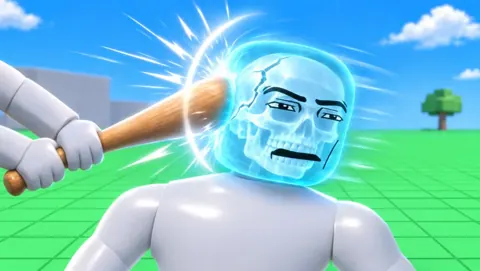
Hyper Realistic Ragdoll Body Scan: X-Ray & Bone Guide
Learn how the Hyper Realistic Ragdoll body scan works, press V to inspect broken bones, and use recovery tools to keep your experiments moving forward.
Hyper Realistic Ragdoll Destruction: How to Break It
Explore Hyper Realistic Ragdoll destruction with breakable towers, explosive tools, vehicles, and disasters. Learn the controls and plan the next collapse.
Hyper Realistic Ragdoll Mechanics Guide: Physics Tips
Hyper Realistic Ragdoll mechanics guide covering body damage, PC controls, Body Scan, healing tools, KO unlocks, and disasters. Learn what to try next.
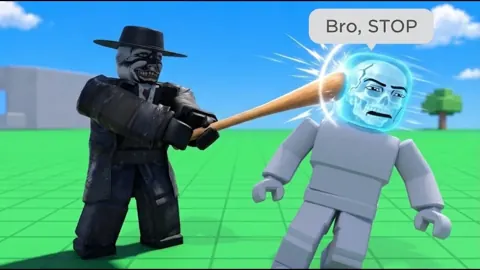
Hyper Realistic Ragdoll Physics: How the Sandbox Works
Explore Hyper Realistic Ragdoll physics, learn Body Scan controls, compare unlocks, and experiment with breakable buildings, hazards, and dummy behavior.
Continue exploring
Hyper Realistic Ragdoll Weapon Damage: Aim and Unlocks
Learn how Hyper Realistic Ragdoll weapon damage affects each body part, use Body Scan to inspect injuries, and unlock more tools through KO progression.

Hyper Realistic Ragdoll Vehicles: Cars, Trucks & Tanks
Explore Hyper Realistic Ragdoll vehicles, including the Car, Monster Truck, and Battle Tank. Compare Robux prices and plan your next physics experiment.
Join the community
Official channels for news, updates and player help: