Hyper Realistic Ragdoll Weapon Damage: Aim and Unlocks
Learn how Hyper Realistic Ragdoll weapon damage affects each body part, use Body Scan to inspect injuries, and unlock more tools through KO progression.
Jump to
How Does Weapon Damage Work?
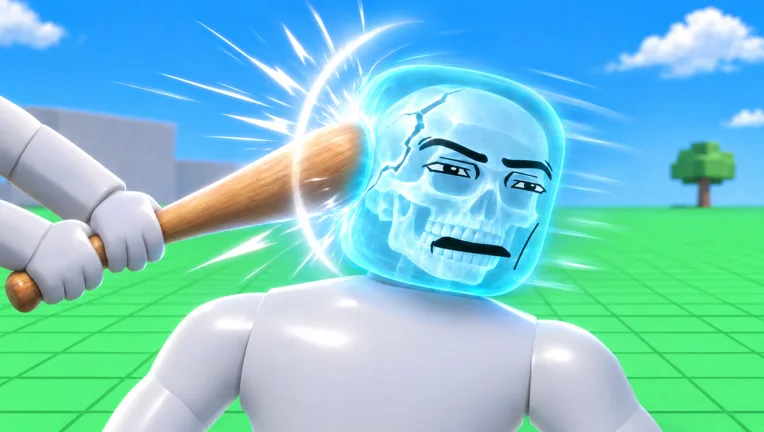
A leg shot can leave a dummy limping while a headshot can end the encounter immediately. Hyper Realistic Ragdoll weapon damage affects individual body parts, changing how dummies move and react. Aim matters because an injured limb, a broken bone, and a knockout produce different results.
The ragdoll system lets body parts react independently. A dummy falling over is only part of the picture: it might recover, struggle to move, or get back up and fight you.
| Body part or injury | Effect on the dummy |
|---|---|
| Damaged leg | Causes limping |
| Broken leg | Causes crawling |
| Broken arm | Leaves the arm limp |
| Head impact | Can cause fainting |
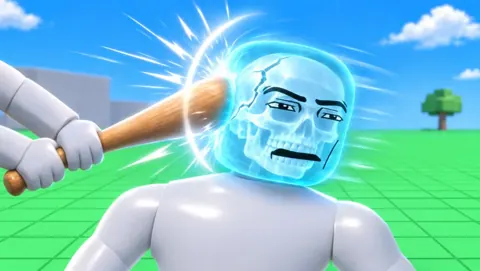
Use Body Scan to inspect broken bones through an X-ray-style view. On PC, press V to open it. Check the scan after a hit instead of judging the injury entirely by how far the dummy flies.
Official page: Hyper Realistic Ragdoll (roblox.com)
What Different Weapons Do
Switching weapons changes the interaction you get, from a close-range slash to an explosion that affects the surrounding area.
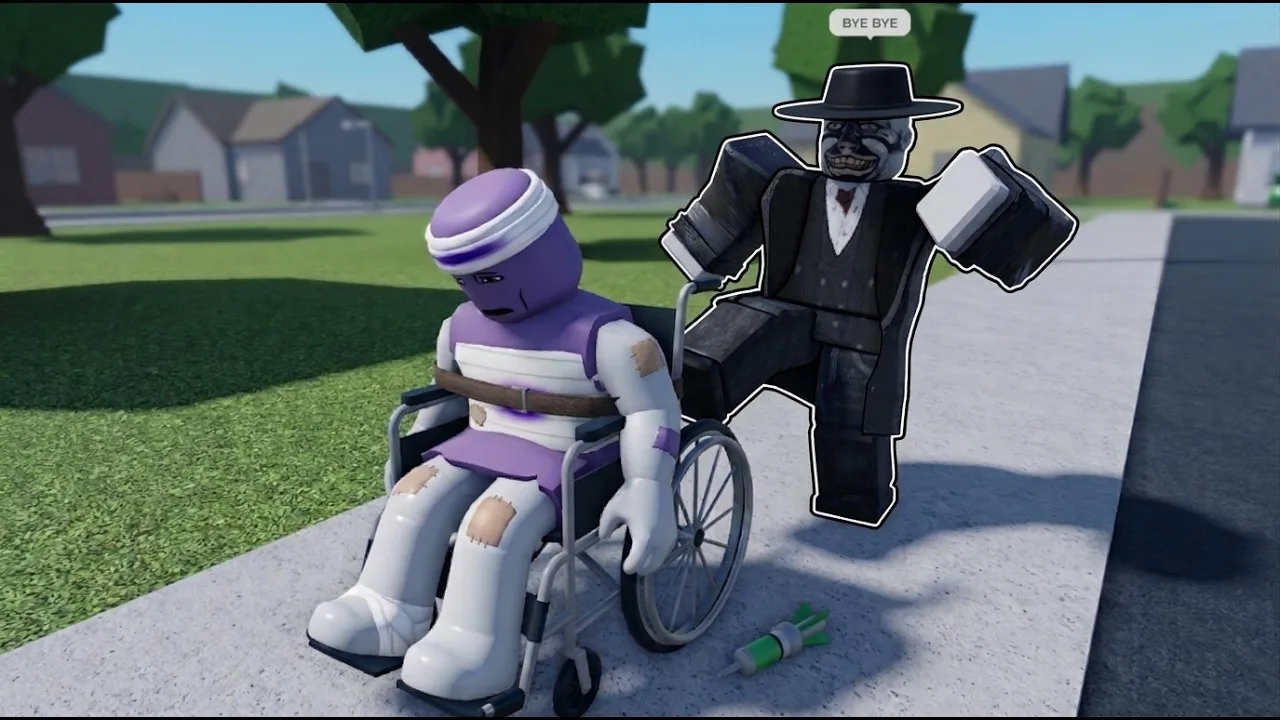
- Katana: A melee weapon for close-range slashing.
- Sniper: A firearm for long-range shots.
- Minigun: Delivers sustained fire at range.
- Rocket Launcher: Produces an explosion with a wide area of effect.
- Flamethrower: Spreads damage across an area.
- Grenade: Provides an explosive option available from the start.
For a focused limb experiment, use the Pistol and aim at the body part you want to inspect. For an area-damage experiment, move on to explosives or the Flamethrower.
Keep the surroundings in mind. Walls, towers, and trees can break apart, and falling structures can damage dummies. A blast near a building can therefore turn into a physics experiment involving both the weapon and the collapsing structure.
Separate those experiments when comparing weapons: shoot a dummy in open space to examine the hit, then move near destructible objects to explore the environmental effects.
Headshots, KOs, and Weapon Unlocks
For KO farming, aim at dummy heads with the Pistol or Hand Cannon. These weapons can score instant kills with headshots, giving you a direct way to advance through the tool unlocks.
The Pistol is available immediately, and the Hand Cannon unlocks at 10 KOs. Check the Next indicator on the right side of the screen to see your upcoming unlock and your progress toward it.
These milestones cover firearms and several melee, explosive, and power options:
| Tool | Unlock requirement |
|---|---|
| Pistol | Available by default |
| Grenade | Available by default |
| Bat | 5 KOs |
| Hand Cannon | 10 KOs |
| Bow | 35 KOs |
| Harpoon | 200 KOs |
| Shotgun | 250 KOs |
| Flamethrower | 300 KOs |
| Katana | 400 KOs |
| TNT | 700 KOs |
| C4 | 1,500 KOs |
| Sledgehammer | 2,000 KOs |
| Assault Rifle | 5,300 KOs |
| Sniper | 8,100 KOs |
Choose your target based on the experiment. Aim at the head when you want a quick KO; aim at a limb when you want to study how an injury changes movement.
Some weapons use purchases instead of KO requirements. The Minigun, Rocket Launcher, and Void Gun belong to the Robux tool category.
How to Compare Weapon Hits With Body Scan
Use a fresh dummy for each comparison so earlier injuries do not affect what you see. On PC, follow this sequence:
- Press G to spawn a dummy. Choose a spot away from machines, animals, and collapsing structures.
- Press V to inspect it with Body Scan. Look at its condition before attacking.
- Aim at a specific body part. Start with a leg or arm to examine limb damage.
- Attack, then inspect again. Check for broken bones and watch how the dummy moves afterward.
- Spawn another dummy before changing weapons. Keep the target body part and your position consistent.
Avoid mixing gunfire, throws, and explosions in the same comparison. Grabbing, swinging, and throwing dummies also deal physics-based damage, which adds another cause of injury.
Watch beyond the initial impact, too. Dummies can stumble, get back up, and retaliate. Standing again does not tell you whether an arm or leg is still injured; use the scan to examine that separately.
Healing and Reviving Dummies
Recovery tools let you continue interacting with a dummy after an experiment. The Medic category contains:
- Defibrillator: Unlocks at 100 KOs.
- Heal Dart: Unlocks at 110 KOs.
- Medkit: Unlocks at 150 KOs.
Use the Medkit or Defibrillator to bring back an inactive dummy. On PC, R also provides the revive function.
After recovery, inspect the dummy again before continuing. For a clean comparison between weapons, spawn a fresh target; use recovery tools when you want to keep working with the same character.
Continue with
 Hyper Realistic Ragdoll All Tools: Unlocks and PricesExplore Hyper Realistic Ragdoll all tools, with KO requirements, Robux prices, recovery items, and the new weapons scheduled for the November 18 update.
More in Tools
Hyper Realistic Ragdoll How to Get More Tools: KO Guide
Hyper Realistic Ragdoll how to get more tools: learn every listed KO requirement, farm dummies faster, and compare free unlocks with paid weapon options.
Hyper Realistic Ragdoll Powers: All Unlock Requirements
Explore Hyper Realistic Ragdoll powers, from the Push Gun to the Storm Staff. See every KO requirement, track unlocks, and compare the All Powers pass.
Continue exploring
Hyper Realistic Ragdoll Fall Damage: Drops and Recovery
Explore Hyper Realistic Ragdoll fall damage, inspect broken bones with Body Scan, and learn the PC controls and recovery tools for your dummy drop test.

Hyper Realistic Ragdoll Vehicles: Cars, Trucks & Tanks
Explore Hyper Realistic Ragdoll vehicles, including the Car, Monster Truck, and Battle Tank. Compare Robux prices and plan your next physics experiment.
Join the community
Official channels for news, updates and player help: