
Hyper Realistic Ragdoll All Maps: Locations to Explore
Explore Hyper Realistic Ragdoll all maps with a guide to the Fight Ring, graveyard, animal pits, machines, vehicles, and destructive environmental events.
Jump to
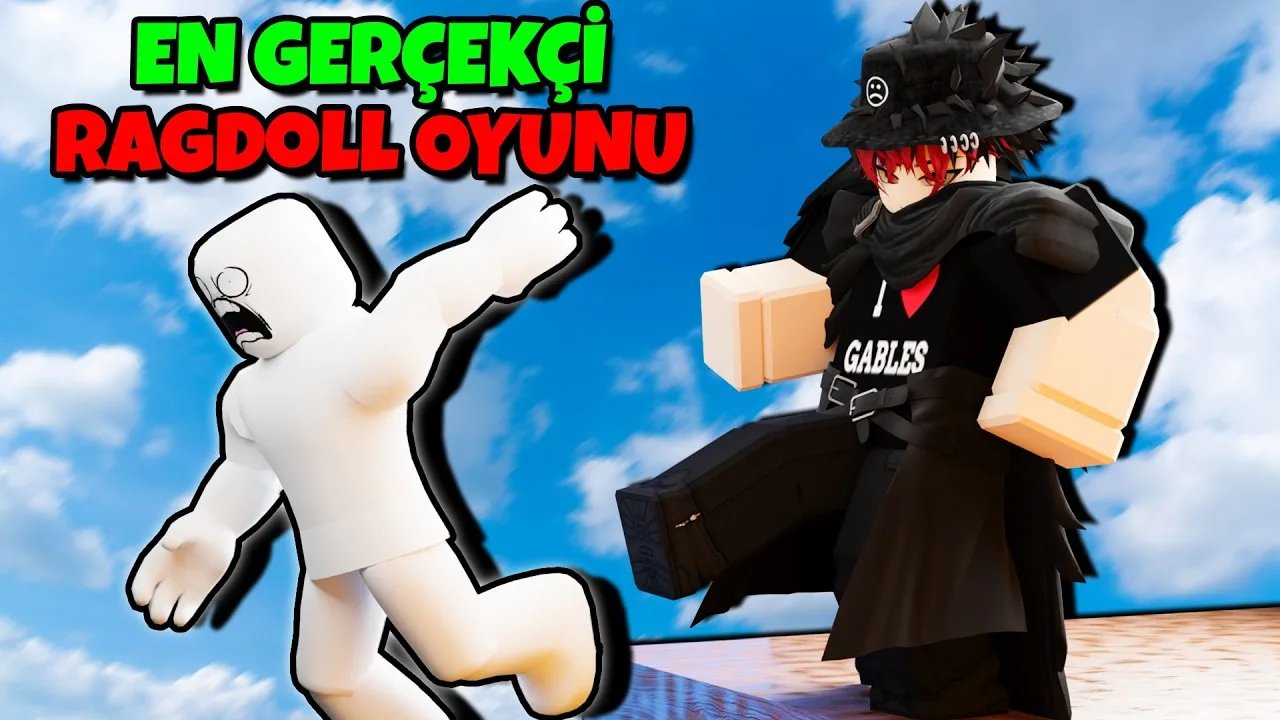
What Can You Explore in Hyper Realistic Ragdoll?
The nearest dummy is only a small part of this physics playground. This Hyper Realistic Ragdoll all maps guide covers the sandbox’s landmarks, from the Fight Ring and graveyard to animal pits and launch machines. Exploring those locations opens up different ways to test collisions, destruction, and NPC behavior.
The world includes destructible buildings, towers, trees, vehicles, dangerous creatures, and interactive machinery. Environmental events add another layer, changing gravity, introducing zombies, or sending destructive weather across the map.
Explore by landmark rather than following a mission order. The sandbox lets you choose your own experiments, whether that means launching a dummy from a cannon or watching how NPCs respond to a collapsing structure.
Official page: Hyper Realistic Ragdoll (roblox.com)
Fight Ring and Graveyard
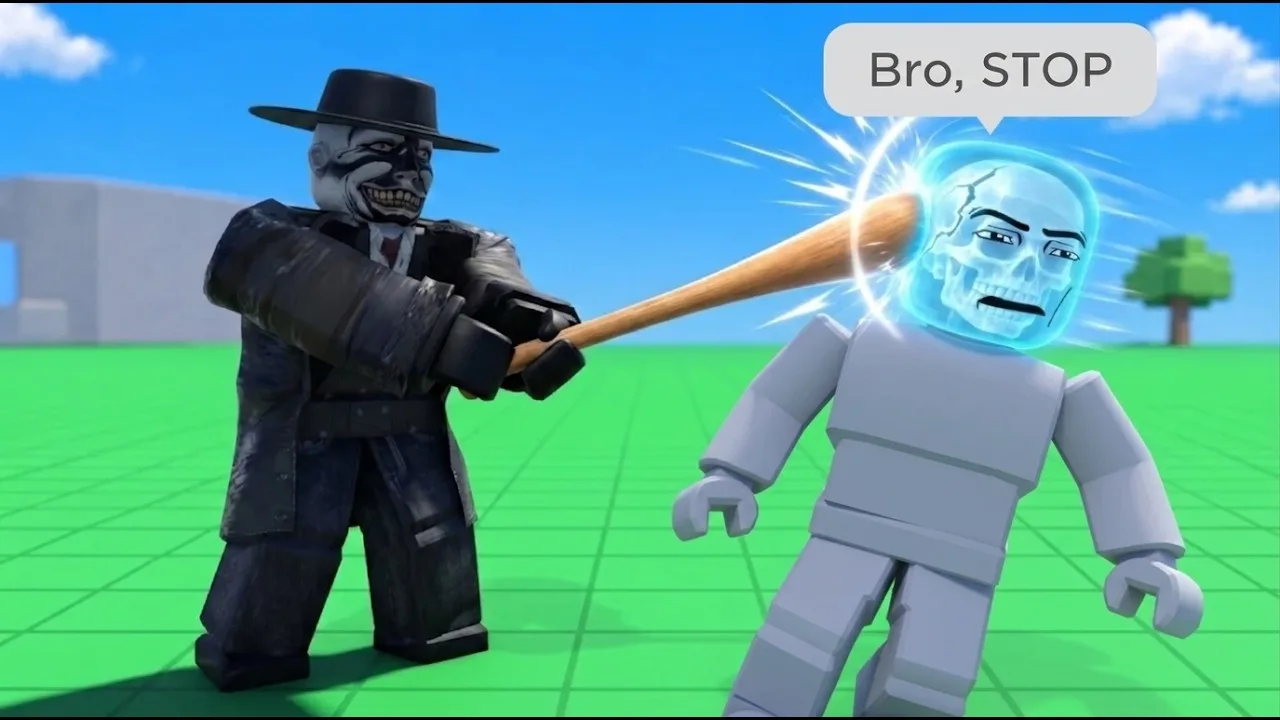
Fight Ring
The Fight Ring is a dedicated space for close-range combat. Dummies can fight back, stumble, and recover, so an encounter can continue after the initial hit.
Use the ring to compare grabbing, throwing, and melee attacks without adding a machine or disaster to the experiment. On PC, grab a dummy with the left mouse button and adjust your holding distance with the mouse wheel.
Press V to open Body Scan afterward. Its X-ray view lets you inspect broken bones instead of judging the result only by whether the dummy remains standing.
Graveyard
The graveyard connects burial with the game’s zombie mechanics. Dummies can carry fallen characters to burial spots, and buried characters can return as zombies.
Watch nearby NPCs before interrupting them. Their attempts to help or carry one another make this location more than a static cemetery.
Keep ordinary recovery separate from resurrection: the Medkit and Defibrillator restore inactive dummies, while the graveyard introduces undead characters. Zombie encounters also extend beyond this landmark through the Zombie Outbreak event.
Animal Pits and Creature Encounters
The world’s animals have distinct interactions with dummies. Look for these encounters while exploring:
- Sharks: Aquatic predators that interact with dummies placed in their reach.
- Crocodiles: Creatures whose attacks include a spinning death roll.
- Giant spider: An encounter involving webbing and feeding animations.
- Python: A snake that coils around a dummy before consuming it.
- Bear cave: A landmark containing a bear that attacks nearby dummies.
- T-Rex: A large dinosaur encounter with grabbing and feeding animations.
Try one creature at a time before combining an animal encounter with another hazard. That makes it easier to follow what caused a dummy’s movement or injuries.
Use a fresh dummy for comparisons. On PC, G spawns another character, letting you repeat an encounter without carrying damage over from the previous test.
Giant Fans, Rockets, Cannons, and Crushers
The oversized machines turn movement into an activity of its own. Each gives you a different interaction to explore.
Giant Fan
The giant fan pushes characters through the air. Position a dummy in its airflow and activate it to watch the launch.
Inspect the landing as well as the launch. Body Scan can reveal injuries that are less obvious while the character is tumbling.
Rocket and Cannon
The rocket provides a launch sequence, while the cannon fires a dummy across the environment.
Follow the launched character with your camera to see where it lands. These machines make the surrounding structures part of the experiment, since a flight can end in a collision.
Crusher and Blender
The crusher and blender provide mechanical hazards. Place a dummy in the machine’s working area, then use its controls to trigger the interaction.
Compare the result with a simple fall or throw. Changing one part of the setup at a time makes the differences in ragdoll behavior easier to follow.
Slides, Ice, and Hazardous Surfaces
Several smaller landmarks are worth exploring between the larger machines.
The giant slide and ice let you experiment with slipping and momentum. The slide can send a character toward the train tracks, creating an opportunity to combine movement with the train.
Other hazards include:
- Train tracks: A location for testing collisions with a moving train.
- Trampoline: A bouncing surface for fall experiments.
- Acid bath: A liquid hazard that damages dummies.
- Lava: Another damaging environmental surface.
- Quicksand: A sinking hazard.
- Honey: A sticky surface that restricts movement.
- Tesla coil: An electrical hazard that repeatedly shocks nearby dummies.
Start with the surface alone before adding a second hazard. For example, compare a slide landing with a slide-and-train collision, or inspect a dummy before and after exposure to the Tesla coil.
Destructible Buildings, Towers, and Vehicles
Walls, houses, towers, and trees can break apart. Destruction also creates loose pieces, giving you more objects to interact with after the initial collapse.
For a tower experiment, target its supports and watch how the remaining structure responds. Grenades and vehicle impacts provide different ways to damage it. A partially damaged tower can lean before the rest gives way.
The vehicle lineup includes a Car, Monster Truck, and Battle Tank. The tank adds a mounted gun to the sandbox’s destruction options. The Monster Truck and Battle Tank also have Robux gamepasses, so check the in-game purchase screen before choosing either.
Try driving into a destructible structure, then compare that result with an explosive attack. Keep the target consistent to make the difference easier to see.
Environmental Events That Change the Map
Events alter the same playground through weather, physics changes, or new characters.
| Event | What happens |
|---|---|
| Tornado | Pulls objects and characters toward it. |
| Tsunami | Sends a massive wave through the environment. |
| Meteor Rain | Drops meteors that cause destructive impacts. |
| Zombie Outbreak | Introduces zombies emerging from the graveyard. |
| Weightless | Removes gravity and changes movement. |
| Disco Party | Makes dummies dance, including injured ones. |
| Giant Dummy | Introduces an oversized dummy. |
| Wildfire | Spreads a large fire across the map. |
Use Weightless to explore how removing gravity changes movement, or watch Tornado interact with loose objects and NPCs. For a different kind of reaction, trigger Disco Party around injured dummies and observe how their condition affects their movement.
During destructive events, keep the Body Scan available and watch nearby NPCs. Their panic, recovery, and attempts to help one another are part of what makes the environment worth exploring.
Continue with
 Hyper Realistic Ragdoll Disaster Survival: Rescue GuideMaster Hyper Realistic Ragdoll disaster survival with event tips, Body Scan controls, medical tool unlocks, and rules for your five-life rescue challenge.
More in World & Vehicles
Hyper Realistic Ragdoll Fight Ring: Melee Combat Guide
Master the Hyper Realistic Ragdoll fight ring, learn how dummies fight back, and use melee tools, Body Scan, and revival controls to practice close combat.
Hyper Realistic Ragdoll Vehicles: Cars, Trucks & Tanks
Explore Hyper Realistic Ragdoll vehicles, including the Car, Monster Truck, and Battle Tank. Compare Robux prices and plan your next physics experiment.
Hyper Realistic Ragdoll World Guide: Map and Hazards
Explore the Hyper Realistic Ragdoll world guide for destructible buildings, wildlife, vehicles, disasters, and practical tips for your sandbox session.
Continue exploring
Hyper Realistic Ragdoll How To Revive Dummies Guide
Hyper Realistic Ragdoll how to revive dummies: learn the PC controls, Medic tool unlocks, and Body Scan basics to get your knocked-out NPCs moving again.
Hyper Realistic Ragdoll Beginner Guide: Start Here
Use this Hyper Realistic Ragdoll beginner guide to learn PC controls, scan and revive dummies, earn KO unlocks, and explore vehicles and disasters safely.
Join the community
Official channels for news, updates and player help: