Hyper Realistic Ragdoll Disaster Survival: Rescue Guide
Master Hyper Realistic Ragdoll disaster survival with event tips, Body Scan controls, medical tool unlocks, and rules for your five-life rescue challenge.
Jump to
How Does Disaster Survival Work?
Keeping a dummy alive gets complicated when the shelter starts falling apart. Hyper Realistic Ragdoll disaster survival combines environmental events, destructible buildings, and injuries that affect individual body parts. Learn how to move, inspect, and revive your dummy so a rescue attempt doesn’t turn into another collision.
Hyper Realistic Ragdoll is an open physics sandbox. You choose what to experiment with, whether that means watching a tornado scatter objects or trying to retrieve an injured dummy from wreckage. A five-life challenge adds your own stakes to those experiments.
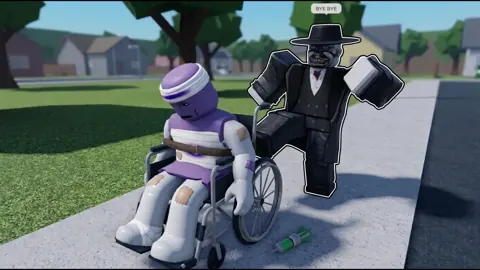
Survival also involves more than watching whether a character moves. Dummies can stumble, crawl after leg injuries, lose the use of an arm, or get back up after falling. Use Body Scan to inspect their condition before sending them into another hazard.
Official page: Hyper Realistic Ragdoll (roblox.com)
Disasters and Environmental Events Explained
The map’s breakable walls, towers, and trees make environmental events more complicated. Watch the surrounding objects as well as the dummy: falling structures and loose debris create additional opportunities for impacts.
| Event | What happens |
|---|---|
| Tornado | Pulls objects and characters toward it. |
| Tsunami | Sends a massive wave through the environment and washes dummies across the map. |
| Meteor Rain | Drops meteors that cause destructive impacts and area damage. |
| Wildfire | Introduces a large fire that ravages the map. |
| Zombie Outbreak | Adds undead characters emerging from the graveyard. |
| Weightless | Removes gravity, changing movement and physics. |
Tornado and Tsunami
For a tornado test, pay attention to both the dummy’s position and the objects being pulled toward the storm. Keep your rescue route away from loose structures rather than carrying the dummy through more moving debris.
During a tsunami, track where the wave carries your target. Retrieve the dummy from its new position before beginning another experiment, then inspect it for injuries.
Meteor Rain and Wildfire
During Meteor Rain, watch the impact areas and nearby structures. Move your dummy away from damaged objects before stopping to inspect it.
For a wildfire test, move the dummy out of the burning area before attempting recovery. Healing in the middle of the same hazard keeps the character exposed while you work.
Zombie Outbreak and Weightless
Zombies add moving threats to a rescue attempt. Keep injured living dummies away from them; zombies can infect other characters.
Weightless changes the physics behind your usual movements. Practice grabbing and repositioning a dummy under those conditions before combining the event with a complicated rescue.
Other events change the scene without following the same disaster pattern. Disco Party makes dummies dance, including injured ones, while Giant Dummy introduces an oversized character. Dancing is not a substitute for checking injuries.
Learn the Controls Before Attempting a Rescue
On PC, spawning, grabbing, scanning, and recovery are the essential interactions to practice.
| Input | Function |
|---|---|
| G | Spawn a new dummy. |
| R | Revive an inactive dummy. |
| V | Open Body Scan. |
| C | Make your character fall or recover. |
| Left mouse button | Grab a dummy. |
| Mouse wheel | Adjust the distance of a grabbed dummy. |
Practice moving a dummy through an open area before carrying one past machinery or broken walls. Grabbing lets you reposition characters, but swinging and throwing also subject them to the game’s collision physics.
Keep the carried dummy clear of obstacles. A rescue can cause additional injuries if you drag the character into a wall or swing it through wreckage.
Read Injuries Before the Next Test
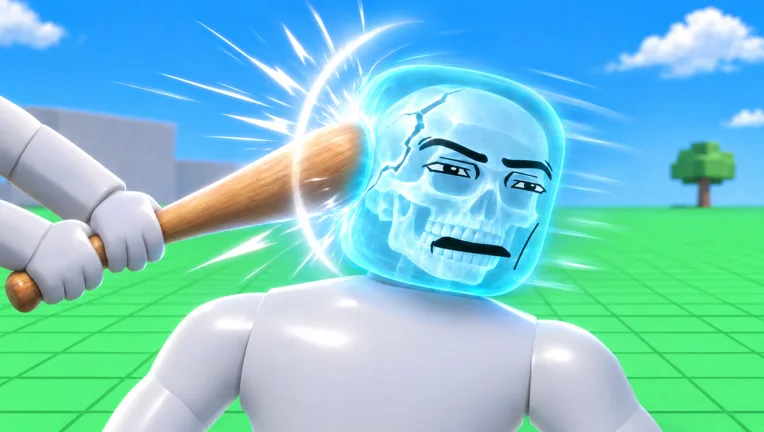
Body Scan provides an X-ray-style view of broken bones. Combine that inspection with the dummy’s behavior:
- Limping or crawling: Inspect the legs before another movement or fall test.
- A limp arm: Check the affected limb rather than judging recovery by whether the dummy stands.
- Collapsing after a head impact: Inspect the character and use the available recovery controls or tools.
- Getting back up: Scan again before assuming the dummy has recovered from every injury.
Dummies can also panic, talk, fight back, and help one another. Keep track of your target when other NPCs gather around it.
Medical Tools and Their Unlock Requirements
Medical equipment lets you recover characters and continue experimenting with the same dummy. These tools unlock through KOs:
| Medical tool | Unlock requirement |
|---|---|
| Defibrillator | 100 KOs |
| Heal Dart | 110 KOs |
| Medkit | 150 KOs |
Track your progress with the Next indicator on the right side of the screen. It displays your upcoming unlock and progress toward it.
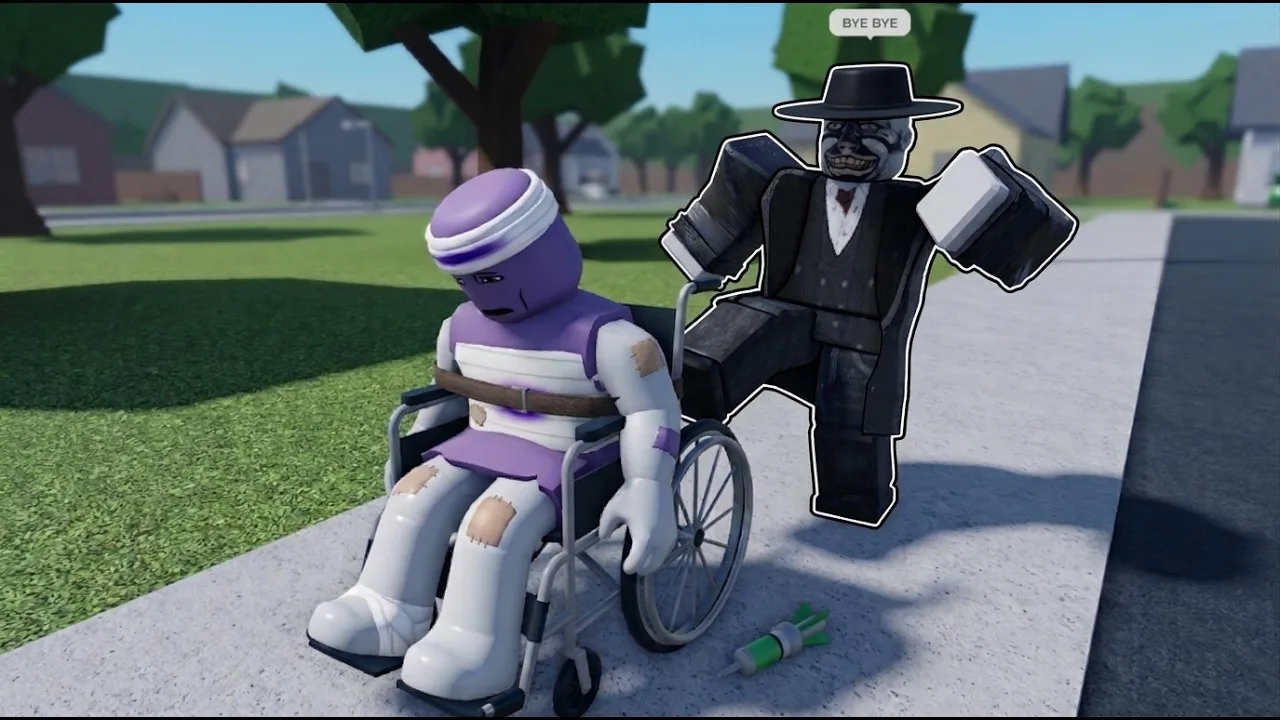
Once medical tools are available, practice using them away from active hazards. Use the Medkit or Defibrillator to bring a knocked-out dummy back, then inspect its condition before continuing.
For a rescue challenge, follow this sequence:
- Retrieve the dummy from the hazard.
- Move it clear of moving machinery, falling objects, or fire.
- Inspect injuries with Body Scan.
- Use an available recovery option.
- Check its condition again before the next test.
Keep ordinary recovery separate from graveyard resurrection. A character returning as a zombie changes the experiment: it is no longer a living dummy surviving the same sequence. Zombies can also take further damage and die, so resurrection does not grant permanent survival.
Map Hazards That Can Complicate Survival
Disasters are only part of the danger. The world also contains machines, animals, and vehicles that interact with the same ragdoll physics.
Fans, Crushers, Cannons, and Rockets
The giant fan can launch characters, while cannons and rockets create other opportunities for airborne impacts. Crushers provide a different kind of mechanical hazard.
Test each machine separately before combining it with an environmental event. Track the dummy’s landing position after a launch, then inspect it before activating another obstacle.
For fall experiments, pay attention to where the dummy lands. A trampoline test and a fall onto solid ground produce different situations; neither should be judged solely by the character’s movement immediately afterward.
Wildlife and Vehicles
Sharks, crocodiles, giant spiders, and a T-Rex inhabit the map. Keep a rescue route away from their areas unless an animal encounter is the experiment you intend to run.
Cars, the Monster Truck, and the Battle Tank add moving vehicles to an already destructible environment. Watch vehicle paths and damaged structures when retrieving a dummy.
Treat vehicles as potential collision hazards during a survival attempt. Introducing one while a dummy is already injured makes it harder to separate damage from the disaster and damage from the rescue.
Set Up a Five-Life Survival Challenge
Give the sandbox a clear objective by choosing a dummy and limiting the attempt to five lives. Keep the rules consistent so reviving the character doesn’t erase the consequences of each test.
- Keep the same dummy. Spawning a replacement starts a different attempt.
- Count deaths separately from injuries. Crawling, fainting, and broken bones describe different conditions.
- Record each revival. Keep a visible tally outside the game while running the challenge.
- Decide how to handle zombie resurrection before starting. End the living-dummy attempt at that point, or continue it as a separate zombie experiment.
- Inspect between hazards. Check for lingering injuries before moving to the next event.
Start with an isolated hazard so you can follow what happens. Then introduce more complicated combinations, such as a disaster near destructible structures. Keep the dummy’s condition, your death tally, and the next rescue route in view—the challenge becomes much harder when you lose track of any of them.
Continue with
 Hyper Realistic Ragdoll Fight Ring: Melee Combat GuideMaster the Hyper Realistic Ragdoll fight ring, learn how dummies fight back, and use melee tools, Body Scan, and revival controls to practice close combat.
More in World & Vehicles
Hyper Realistic Ragdoll All Maps: Locations to Explore
Explore Hyper Realistic Ragdoll all maps with a guide to the Fight Ring, graveyard, animal pits, machines, vehicles, and destructive environmental events.
Hyper Realistic Ragdoll Vehicles: Cars, Trucks & Tanks
Explore Hyper Realistic Ragdoll vehicles, including the Car, Monster Truck, and Battle Tank. Compare Robux prices and plan your next physics experiment.
Hyper Realistic Ragdoll World Guide: Map and Hazards
Explore the Hyper Realistic Ragdoll world guide for destructible buildings, wildlife, vehicles, disasters, and practical tips for your sandbox session.
Continue exploring
Hyper Realistic Ragdoll Beginner Guide: Start Here
Use this Hyper Realistic Ragdoll beginner guide to learn PC controls, scan and revive dummies, earn KO unlocks, and explore vehicles and disasters safely.
Hyper Realistic Ragdoll Worth It? Gameplay and Costs
Is Hyper Realistic Ragdoll worth it? Explore its physics, Body Scan, KO unlocks, and Robux purchases to decide what to try before spending on extra tools.
Join the community
Official channels for news, updates and player help: