Hyper Realistic Ragdoll Body Scan: X-Ray & Bone Guide
Learn how the Hyper Realistic Ragdoll body scan works, press V to inspect broken bones, and use recovery tools to keep your experiments moving forward.
Jump to
How Do You Use Body Scan?
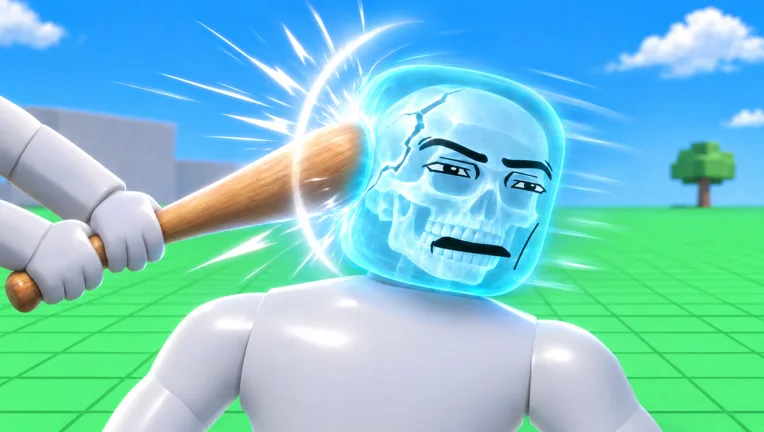
A dummy hitting the ground doesn’t tell you which bones broke. The Hyper Realistic Ragdoll body scan gives you an X-ray-style view of its physical condition, helping you connect an impact with the damage it caused. On PC, press V to open the Body Scan interface and inspect individual body parts for fractures.
Use it after a fall, a weapon hit, or a collision with the environment. Watching a dummy stumble shows the visible reaction; examining its skeleton lets you investigate the injury behind that movement.
The scan is especially useful when experimenting with localized damage. An injured arm and an injured leg produce different reactions, so check the affected area before adding another impact.
Official page: Hyper Realistic Ragdoll (roblox.com)
What Broken Bones Mean for Dummy Movement
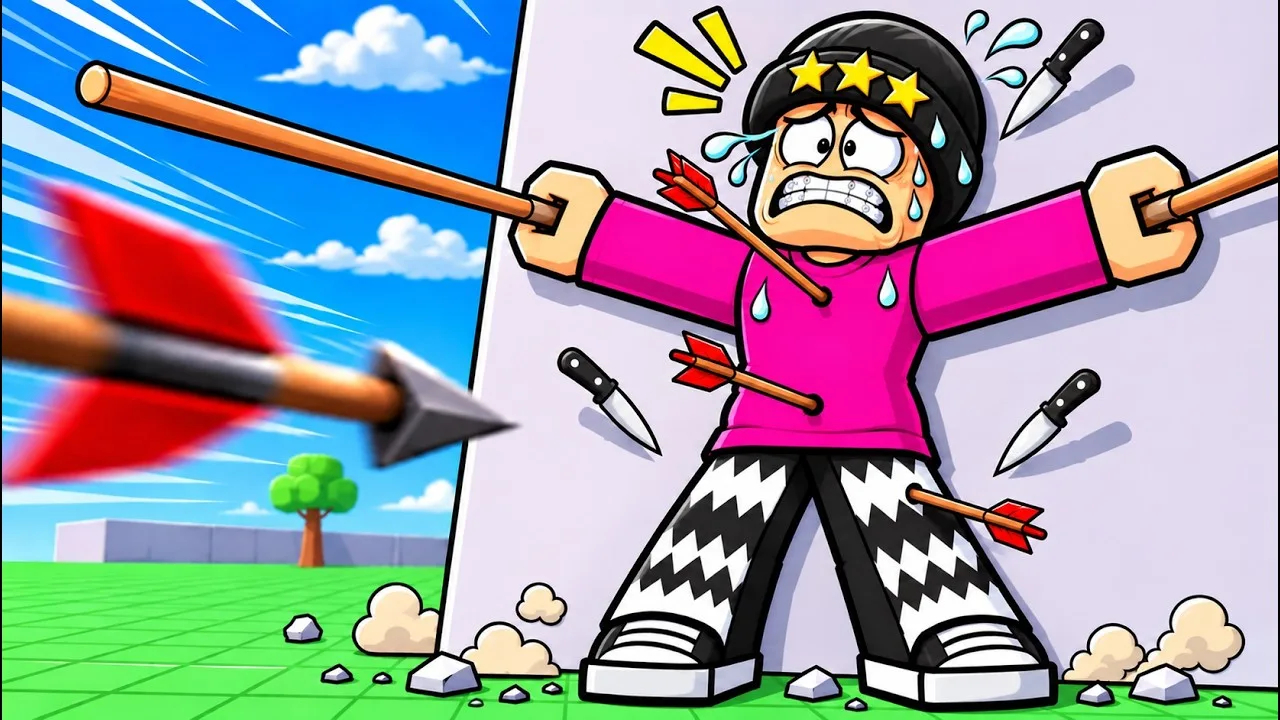
The game handles body parts independently. Where a dummy takes damage changes how it moves afterward, which gives you more to examine than whether it falls over.
| Affected area | Physical reaction |
|---|---|
| Damaged leg | The dummy limps. |
| Broken leg | The dummy crawls. |
| Broken arm | The affected arm goes limp. |
| Head hit | The dummy can faint. |
Scan after a single interaction when you want to understand a particular reaction. Repeated hits, a fall, and collapsing debris can stack several causes together, making the result harder to interpret.
Also watch what happens after the initial collapse. Dummies can stumble and get back up, and they can fight back after taking damage. Falling over alone doesn’t tell you the full condition of the character.
Run a Simple Before-and-After Test
Start with a fresh dummy and keep the experiment focused:
- Press G to spawn a dummy. Use a new character when you want to compare separate tests.
- Press V to inspect its starting condition.
- Apply one interaction. Try a targeted limb hit or a throw rather than combining several weapons and hazards.
- Watch the movement. Look for limping, crawling, or a limp arm.
- Open the scan again. Compare the affected body part with what you saw before the interaction.
For hands-on physics experiments, the left mouse button grabs a dummy, and the mouse wheel adjusts its distance from you. Grabbing, swinging, and throwing all interact with the ragdoll system.
Keep the setup similar when comparing outcomes. Use the same tool and target the same body part across fresh dummies, then change one element. This makes differences easier to follow without assuming every collision will produce an identical result.
Revive Dummies Between Experiments
Press R on PC to revive an inactive dummy. Recovery tools also let you restore characters and continue interacting with them.
The Medic tools unlock through KO progression:
| Medic tool | Unlock requirement |
|---|---|
| Defibrillator | 100 KOs |
| Heal Dart | 110 KOs |
| Medkit | 150 KOs |
Use a recovery tool when you want to continue working with a downed character. Then inspect it again before the next interaction so you can compare its condition instead of assuming the previous injuries are gone.
For progression, check the Next indicator on the right side of the screen. It displays the upcoming unlock and your progress toward it. Body Scan helps you inspect injuries; KO progression provides access to additional tools.
Take the Scan Beyond Weapon Tests
Once individual limb reactions make sense, try examining damage after environmental interactions. Breakable walls, towers, and trees create opportunities to compare direct hits with impacts from falling structures.
The map also includes a giant fan, cannon, rocket, and crusher. Tornadoes, tsunamis, and meteor rain introduce broader situations where several forces can affect a dummy.
Save those more chaotic experiments until you’re comfortable reading the scan. Inspect after each distinct event, and use a fresh dummy when you want to isolate a new result. A skeleton with several fractures is much easier to understand when you know what happened between inspections.
Continue with
 Hyper Realistic Ragdoll Destruction: How to Break ItExplore Hyper Realistic Ragdoll destruction with breakable towers, explosive tools, vehicles, and disasters. Learn the controls and plan the next collapse.
More in Mechanics
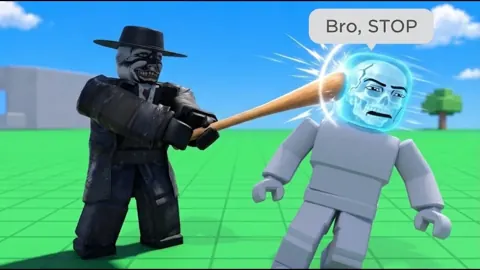
Hyper Realistic Ragdoll Fall Damage: Drops and Recovery
Explore Hyper Realistic Ragdoll fall damage, inspect broken bones with Body Scan, and learn the PC controls and recovery tools for your dummy drop test.
Hyper Realistic Ragdoll How To Ragdoll: PC Controls
Hyper Realistic Ragdoll how to ragdoll guide: learn the PC fall and recover control, grab and throw dummies, scan injuries, and use tools to revive them.
Hyper Realistic Ragdoll Mechanics Guide: Physics Tips
Hyper Realistic Ragdoll mechanics guide covering body damage, PC controls, Body Scan, healing tools, KO unlocks, and disasters. Learn what to try next.
Hyper Realistic Ragdoll Physics: How the Sandbox Works
Explore Hyper Realistic Ragdoll physics, learn Body Scan controls, compare unlocks, and experiment with breakable buildings, hazards, and dummy behavior.
Continue exploring
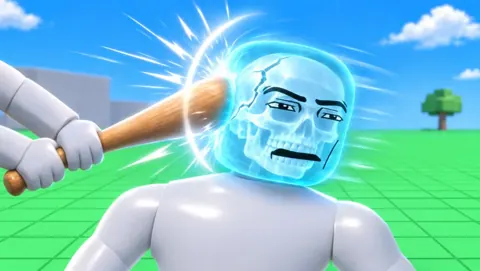
Hyper Realistic Ragdoll Weapon Damage: Aim and Unlocks
Learn how Hyper Realistic Ragdoll weapon damage affects each body part, use Body Scan to inspect injuries, and unlock more tools through KO progression.

Hyper Realistic Ragdoll Vehicles: Cars, Trucks & Tanks
Explore Hyper Realistic Ragdoll vehicles, including the Car, Monster Truck, and Battle Tank. Compare Robux prices and plan your next physics experiment.
Join the community
Official channels for news, updates and player help: