Hyper Realistic Ragdoll How To Ragdoll: PC Controls
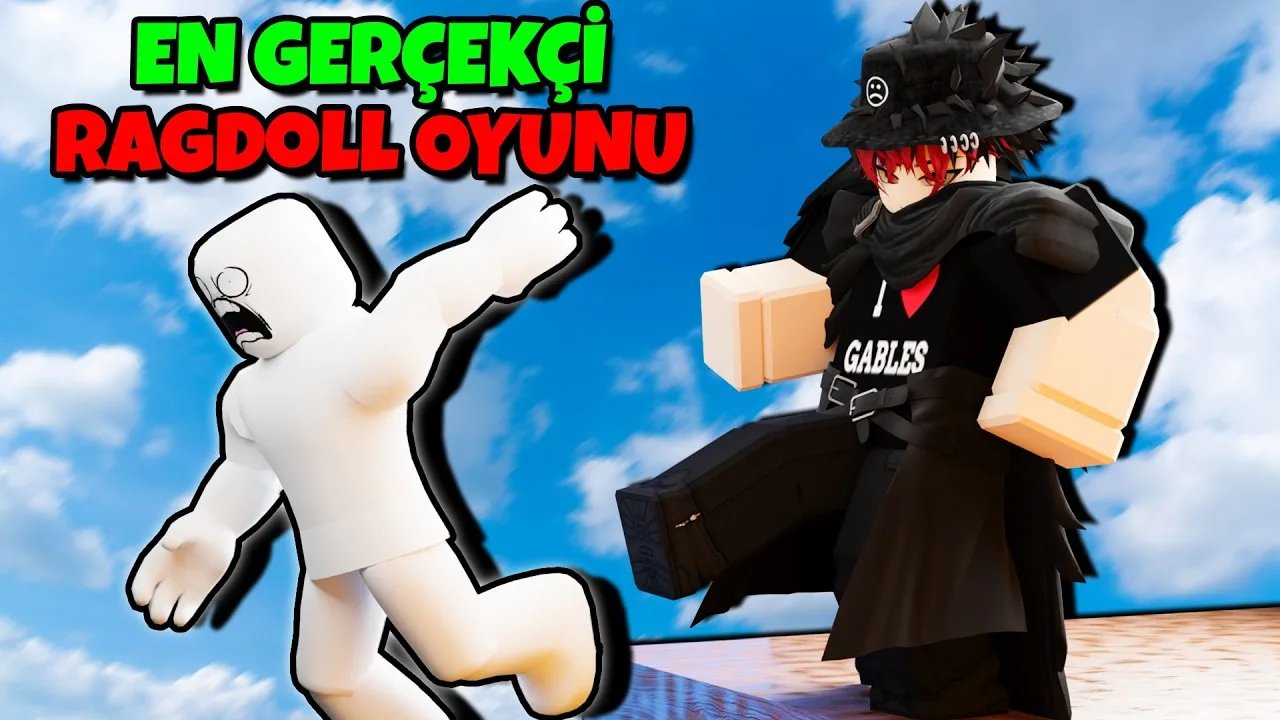
Hyper Realistic Ragdoll how to ragdoll guide: learn the PC fall and recover control, grab and throw dummies, scan injuries, and use tools to revive them.
Jump to
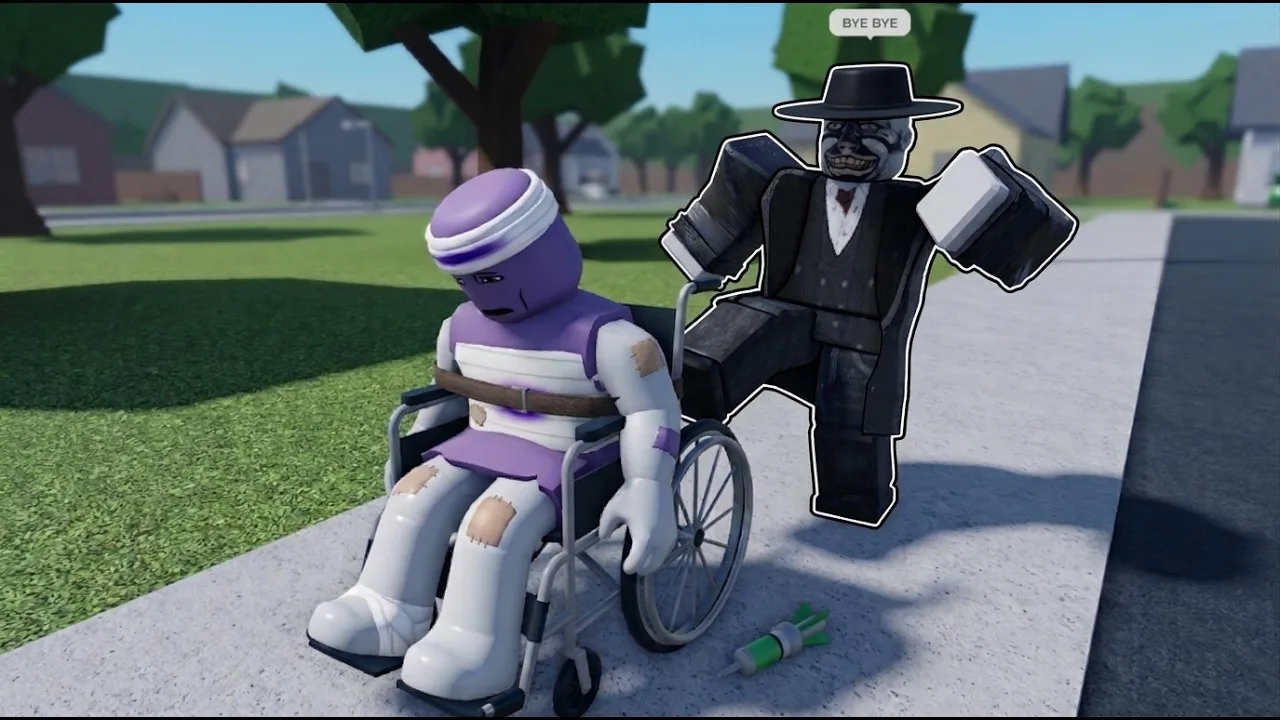
How to Ragdoll and Get Back Up
The answer to “Hyper Realistic Ragdoll how to ragdoll” is a single PC key: C. Press it to make your character fall over, then press it again to recover. Learning that shortcut lets you control your own tumbles while keeping dummy revival separate.
The fall/recover action applies to your character. If you want to restore an inactive dummy, use R instead. Keeping those two controls straight saves you from collapsing beside the character you meant to help.
Try the fall and recovery control on open ground before experimenting around the map’s machines. That gives you room to watch your character’s movement without a nearby hazard interrupting.
Official page: Hyper Realistic Ragdoll (roblox.com)
PC Controls for Ragdoll Experiments
These shortcuts cover the main actions you need when working with dummies:
| Input | Action |
|---|---|
| C | Make your character fall or recover |
| G | Spawn a new dummy |
| R | Revive an inactive dummy |
| V | Open Body Scan |
| Left mouse button | Grab a dummy |
| Mouse wheel | Adjust the grabbed dummy’s distance |
| Right mouse button | Throw a grabbed dummy |
Start with spawning, grabbing, and scanning before moving on to weapons. Those actions let you explore the physics system without needing to unlock additional equipment.
Remember that a dummy has its own behavior. It can stumble, recover, panic, help another dummy, or fight back after taking damage. A character getting back up is part of that behavior rather than a sign that your interaction failed.
How to Grab and Throw Dummies
You can create ragdoll reactions through direct interaction, without firing a weapon.
- Press G to create a dummy.
- Use the left mouse button to grab it.
- Turn the mouse wheel to adjust how far away you hold it.
- Swing the dummy while holding it, or use the right mouse button to throw it.
Change one part of the interaction at a time. Adjust the holding distance, repeat a throw, and compare the resulting movement. Individual body parts respond independently, so impacts can produce different poses and injuries.
Use an open stretch of ground to watch the landing clearly. Then experiment near breakable walls, towers, or trees to see how collisions interact with the environment.
Why Dummies Limp, Crawl, or Collapse
Ragdoll physics go beyond making an entire character flop over. Damage affects individual body parts, which changes how the dummy moves afterward.
- Leg damage can make a dummy limp.
- A broken leg can leave it crawling.
- A broken arm hangs limp.
- A head impact can make it faint.
Press V to open Body Scan and inspect broken bones through an X-ray-style view. Scan after an interaction to connect the visible reaction with the affected body part.
Compare a leg impact with an arm impact instead of repeatedly striking the same spot. That makes the difference between impaired movement and a limp limb easier to recognize.
Environmental forces also interact with the ragdoll system. Tornadoes can sweep dummies away, tsunamis can carry them across the map, and collapsing structures create additional impacts.
How to Revive Dummies Between Tests
Press R to restore an inactive dummy. Recovery tools also let you bring characters back and continue experimenting:
| Medic tool | Unlock requirement |
|---|---|
| Defibrillator | 100 KOs |
| Heal Dart | 110 KOs |
| Medkit | 150 KOs |
These tools unlock through KO progression. The Next indicator on the right side of the screen displays your upcoming unlock and progress toward it.
Revive a dummy between experiments so you can compare its movement before and after another impact. Use Body Scan alongside recovery to inspect its condition rather than judging everything by whether it is standing.
If you need another character immediately, press G to spawn one and continue with a different interaction.
Continue with
 Hyper Realistic Ragdoll Mechanics Guide: Physics TipsHyper Realistic Ragdoll mechanics guide covering body damage, PC controls, Body Scan, healing tools, KO unlocks, and disasters. Learn what to try next.
More in Mechanics
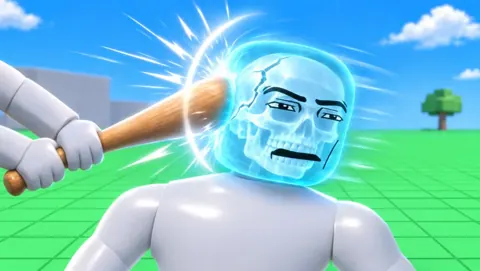
Hyper Realistic Ragdoll Body Scan: X-Ray & Bone Guide
Learn how the Hyper Realistic Ragdoll body scan works, press V to inspect broken bones, and use recovery tools to keep your experiments moving forward.
Hyper Realistic Ragdoll Destruction: How to Break It
Explore Hyper Realistic Ragdoll destruction with breakable towers, explosive tools, vehicles, and disasters. Learn the controls and plan the next collapse.
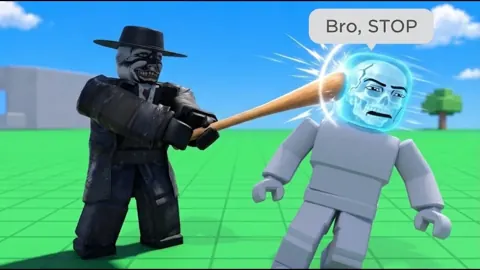
Hyper Realistic Ragdoll Fall Damage: Drops and Recovery
Explore Hyper Realistic Ragdoll fall damage, inspect broken bones with Body Scan, and learn the PC controls and recovery tools for your dummy drop test.
Hyper Realistic Ragdoll Physics: How the Sandbox Works
Explore Hyper Realistic Ragdoll physics, learn Body Scan controls, compare unlocks, and experiment with breakable buildings, hazards, and dummy behavior.
Continue exploring
Join the community
Official channels for news, updates and player help: