Hyper Realistic Ragdoll Giant Spider: Pit Interaction Guide
Explore the Hyper Realistic Ragdoll giant spider pit, learn how webbing and feeding work, and use dummy controls to set up encounters and attempt rescues.
Jump to
What Does the Giant Spider Do?
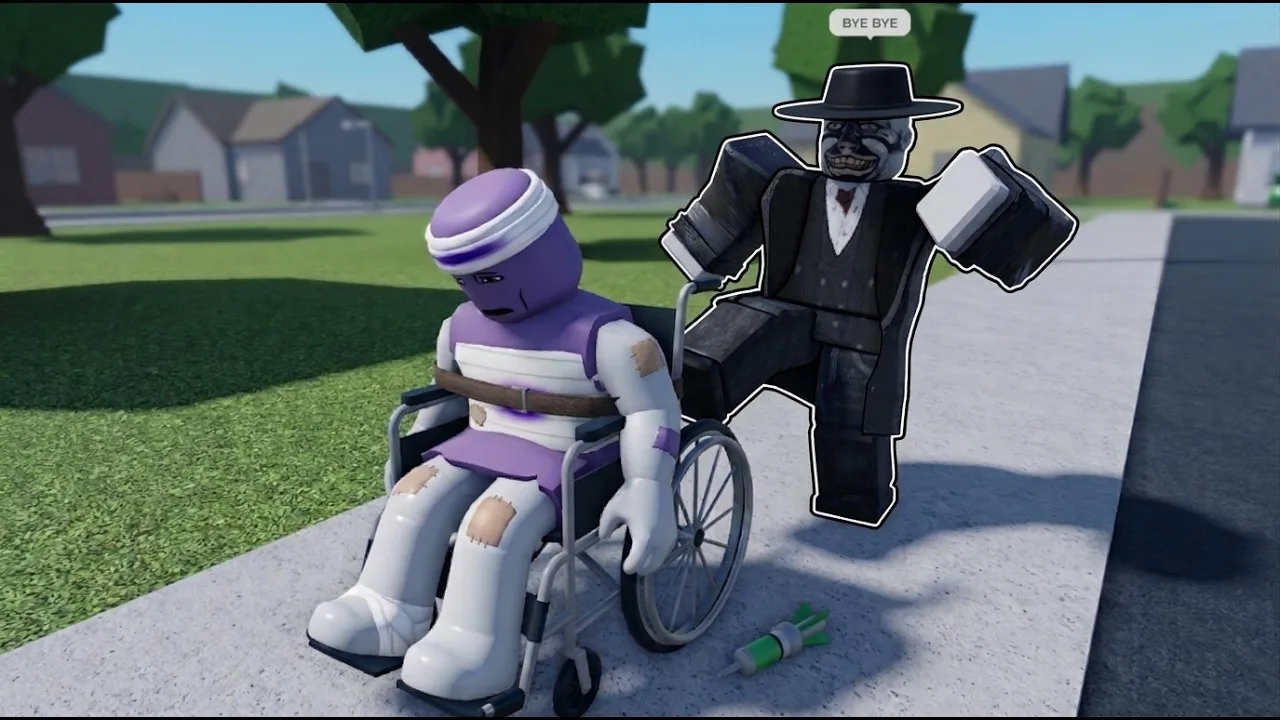
The Hyper Realistic Ragdoll giant spider wraps dummies in webbing and can consume them afterward. The wrapping gives you a visible moment to attempt a rescue while the dummy remains grabbable. Bring one dummy to the spider pit at a time so you can follow the interaction.
The spider approaches a nearby dummy and covers it in a cocoon-like web. That wrapped appearance is part of the encounter: the sequence can continue into feeding if you leave the dummy within reach.
You can still grab a webbed dummy. Try pulling it away during the wrapped stage if you want to interrupt the encounter rather than let the feeding animation finish.
Official page: Hyper Realistic Ragdoll (roblox.com)
How to Bring a Dummy to the Spider Pit
Use the game's grabbing controls to move a dummy into position. On PC, these inputs let you create a target, carry it, and adjust its placement:
| Input | Action |
|---|---|
| G | Spawn a new dummy |
| Left mouse button | Grab a dummy |
| Mouse wheel | Adjust the distance of the grabbed dummy |
| Right mouse button | Throw the grabbed dummy |
Dummies have their own reactions outside the spider encounter. They move, talk, panic when threatened, and help one another. They can also fight back after taking damage. Keep weapons put away while positioning your target if you want to focus on the spider interaction; aiming a gun at a dummy can frighten it before you bring it to the pit.
To set up an encounter:
- Find the spider pit. Look for the giant spider itself as you explore the sandbox.
- Bring a dummy over. Grab an existing dummy, or press G to create another.
- Position it within reach. Use the mouse wheel to adjust how far you hold it.
- Watch the spider approach and wrap it. Keep the interaction in view if you intend to retrieve the dummy.
- Choose whether to intervene. Grab the wrapped dummy and pull it away, or leave it there to watch the feeding sequence.
For a closer look at the webbing, place the dummy near the spider instead of throwing it across the pit. Keeping its position predictable makes it easier to follow what happens and reach it again.
How to Attempt a Rescue and Inspect the Dummy
Act during the webbed stage. Aim at the wrapped dummy, grab it, and move it away from the spider. The cocoon does not prevent you from interacting with its occupant.
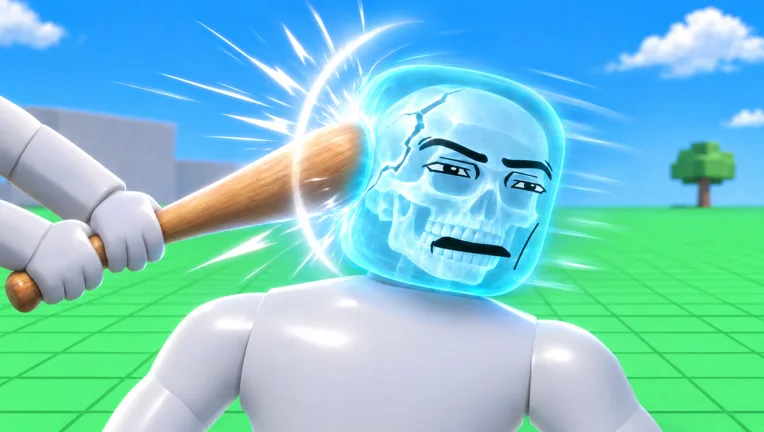
Once you retrieve the dummy, press V to open Body Scan and inspect its condition. The scan displays an X-ray view of individual body parts, including broken bones.
Each body part reacts separately to damage. A shot to a leg makes a dummy limp, while a broken leg can leave it crawling. A broken arm hangs limp, and a hit to the head can cause fainting. Scan an existing dummy before carrying it over if you want to distinguish injuries it already had from changes during your experiment.
For an inactive dummy, R is the PC revive shortcut. Recovery tools also include the Defibrillator, unlocked at 100 KOs, and the Medkit, unlocked at 150 KOs. Use those on a retrieved dummy when you want to continue experimenting with the same character.
The Heal Dart is another recovery tool, unlocked at 110 KOs. These medical tools give you options for restoring characters between encounters. Keep a recovery tool available when working with an existing dummy, especially one you have already used for weapon tests or other environmental hazards.
To work toward those medical unlocks, earn KOs against dummies and follow the Next indicator on the right side of the screen. It displays the upcoming unlock and your progress toward it. The Pistol is available by default, and the Hand Cannon unlocks at 10 KOs. Aim for dummy heads when farming KOs with these weapons.
Continue with
 Hyper Realistic Ragdoll How To Revive Dummies GuideHyper Realistic Ragdoll how to revive dummies: learn the PC controls, Medic tool unlocks, and Body Scan basics to get your knocked-out NPCs moving again.
More in Dummies & Creatures
See all Dummies & CreaturesContinue exploring

Hyper Realistic Ragdoll Body Scan: X-Ray & Bone Guide
Learn how the Hyper Realistic Ragdoll body scan works, press V to inspect broken bones, and use recovery tools to keep your experiments moving forward.
Hyper Realistic Ragdoll Destruction: How to Break It
Explore Hyper Realistic Ragdoll destruction with breakable towers, explosive tools, vehicles, and disasters. Learn the controls and plan the next collapse.
Join the community
Official channels for news, updates and player help: